Claude Cowork · · 4 minute read
Claude Cowork vs Claude Code: Which Should Non-Technical Professionals Learn First?
When people hear "Claude," they often think there is just one thing.
Claude Cowork · · 4 minute read
When people hear "Claude," they often think there is just one thing.
When people hear "Claude," they often think there is just one thing.
There is not.
Anthropic has built different tools for different kinds of users. And if you are a non-technical professional, knowing which one to focus on first will save you a lot of confusion.
Let me break down the two I get asked about most: Claude Cowork and Claude Code.
Claude Code is a command-line tool for developers.
If you know what a terminal is, and you are comfortable writing or reading code, Claude Code helps you build software faster. It can write code, debug it, explain it, and help developers automate software tasks.
It is powerful. It is genuinely impressive.
And if you are a non-technical professional, it is not where you should start.
Not because it is too hard. But because it is built for a different job than yours.
Claude Cowork is Anthropic's tool for multi-step knowledge work.
It is built for people who work with documents, information, and recurring workflows. No coding required.
Where Claude Code helps developers write better software, Claude Cowork helps knowledge workers build better work processes.
Think of it this way.
Claude Code is for building software.
Claude Cowork is for building workflows.
Claude Cowork. Full stop.
Here is why.
Your work — the stuff you actually do every day — involves information, not code. Reports. Briefings. Research. Proposals. Client communications. Recurring decisions. Structured processes.
Claude Cowork was built for that. It can hold your documents, follow your workflow, and help you run a multi-step process from start to finish. Without code.
Claude Code, on the other hand, requires you to interact via a command-line interface. It is designed for development workflows. If you are not a developer, you will spend most of your time trying to understand the tool instead of building with it.
That is not a good use of your time.
Yes. And it is genuinely exciting — for developers.
There has been a wave of Claude Code content online because developers have found it incredibly useful. It can speed up software development in ways that are hard to overstate.
But most of the people I train are not developers. They are senior professionals, team leads, HR managers, finance executives, consultants, and knowledge workers. Claude Code is not built for their work.
What I see happen is this: a non-technical professional hears about Claude Code, tries to figure it out, gets confused, and concludes that "AI is too technical for me."
That conclusion is wrong. The tool just was not right for them.
Yes. Once you have built a few Claude Cowork workflows and feel confident, you might want to explore more.
Some ANCHR AI Labs participants eventually move into building MCP servers, connecting Claude to other tools, or exploring Claude Code with support. We offer advanced sessions for that.
But the starting point is always Claude Cowork. One workflow. Built properly. Running on your actual work.
Everything else grows from there.
That is worth using too — especially for quick tasks, drafting, and research.
Think of the spectrum like this:
Claude.ai (regular chat): Great for quick, one-off tasks. Drafting. Summarising. Brainstorming. No memory between sessions.
Claude Cowork: Great for recurring, multi-step workflows. Builds on your context. Works with your files.
Claude Code: Great for software development. Requires technical skills. Not for non-technical users.
Start with Claude.ai for day-to-day tasks. Then move to Claude Cowork when you are ready to build something that saves you real time every week.
ANCHR AI Labs runs Claude Cowork workshops and corporate training sessions in Singapore and Malaysia.
All sessions are built for non-technical professionals. No coding. No technical background needed. You leave with one working workflow.
For non-technical Claude Cowork training, see Claude Cowork Training at ANCHR AI Labs. For free community learning, visit Cowork SG. For a structured build sprint, explore the AI Native Circle programmes.
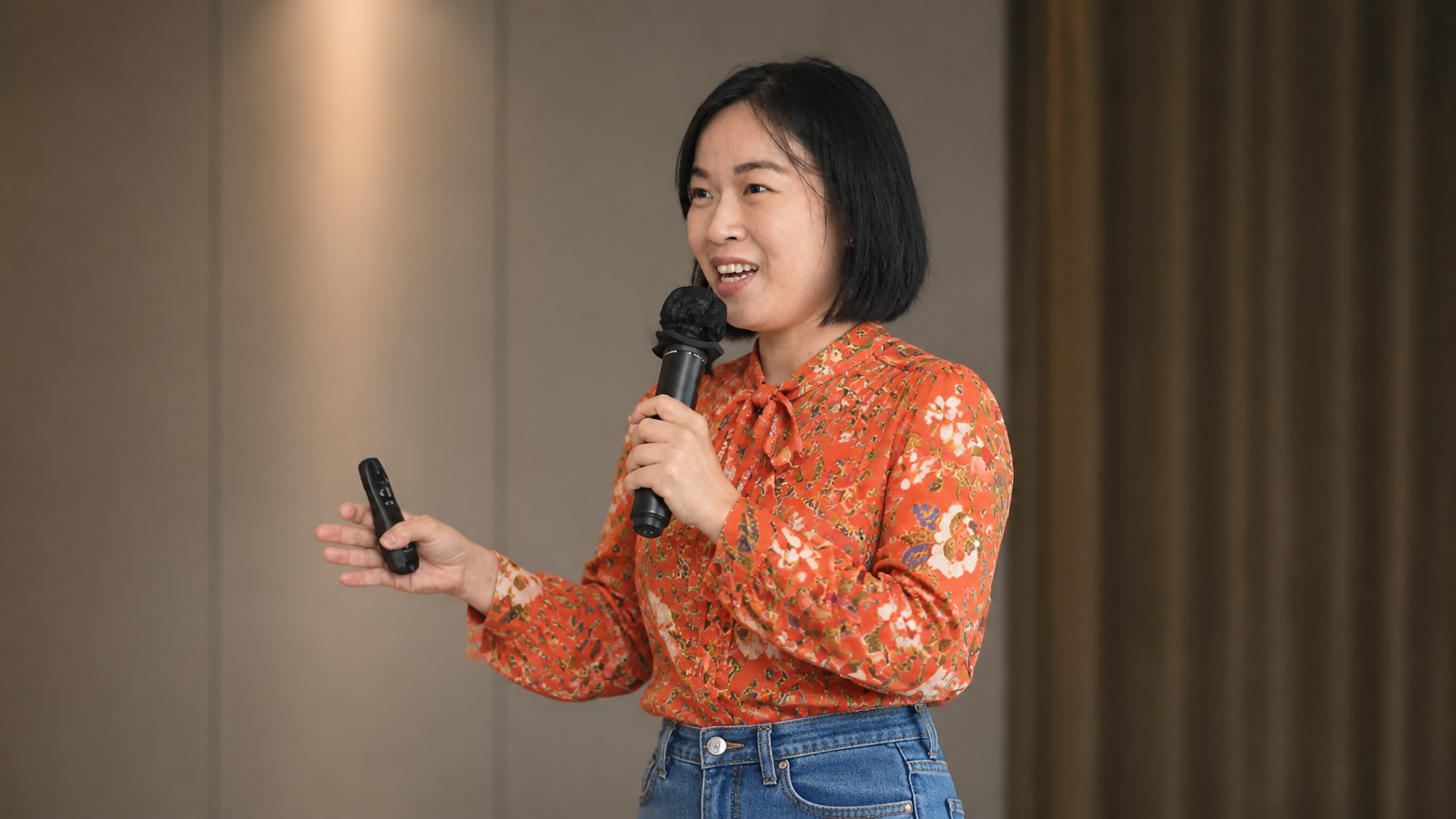
Wan Wei is the founder of ANCHR AI Labs and co-founder of Women in Claude. She trains non-technical professionals and corporate teams in Singapore and Malaysia to build practical AI workflows with Claude Cowork.
Keep reading
The leverage
The real leap is not better prompting. It is building an operating environment where context, tools, team memory, and boundaries can compound.
Claude Cowork
If you are looking for Claude Cowork training in Singapore, you have probably already noticed that options are growing fast.
Claude Cowork
When people ask me what happens in a Claude Cowork workshop, I always give the same answer.